




Key Takeaways:
Official AI Visibility Data Is Now Available
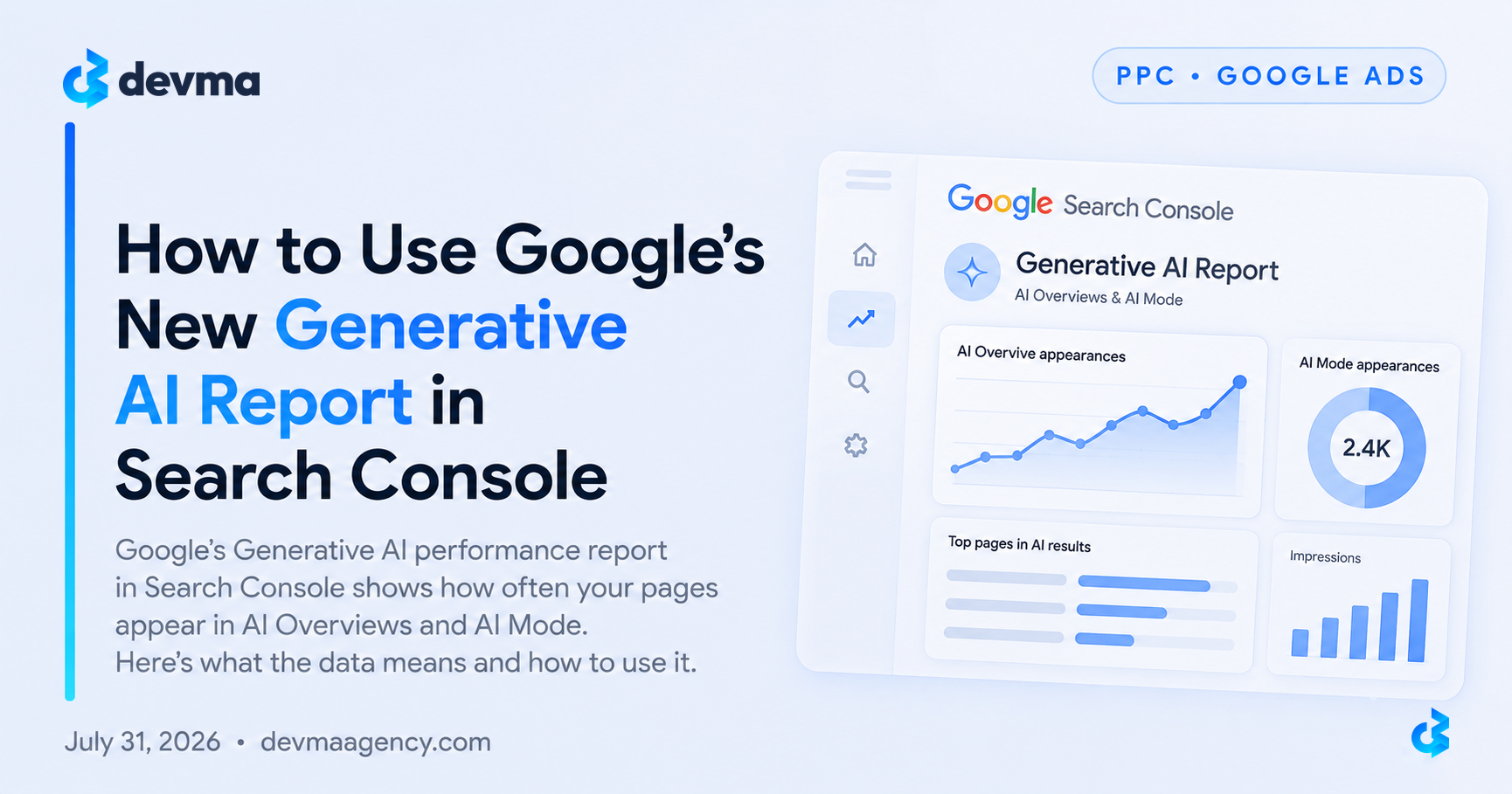
Google’s new Generative AI report shows how often your pages appear inside AI Overviews, AI Mode, and generative AI features in Discover.
Impressions Only — No Clicks or Queries Yet
The report currently tracks impressions by page, country, device, and date. Click and query data are still missing.
The Real Value Is in the Comparison
The most useful action is comparing AI impressions against your traditional search performance to find gaps and opportunities.
Pages Already Appearing in AI Results Are Your Best Models
Study the structure and clarity of pages that already earn AI impressions, then apply those patterns across the rest of your site.
What the Report Actually Tracks
The Generative AI report includes:
- Impressions — how often URLs from your site appeared in generative AI features
- Pages — which URLs are being shown
- Countries — where the impressions are coming from
- Devices — device breakdown (for Search)
- Dates — trend data over time
It does not currently show:
- Clicks from AI features
- The actual queries that triggered the AI result
- Position data
How to Find the Report
In Google Search Console:
- Go to Performance
- Look for the Generative AI section (or filter under Search results)
- If you don’t see it yet, your property may still be rolling out or may not have enough AI impressions
How to Use the Data Practically
1. Export and baseline Download the current page-level AI impression data. This becomes your starting point for measuring future changes.
2. Compare AI visibility vs traditional search Identify pages that:
- Rank well in classic search but have low AI impressions → candidates for better structure and clarity
- Have strong AI impressions but weaker traditional traffic → opportunities to improve rankings or internal linking
3. Study the pages that already appear in AI results Look for common patterns: clear answers near the top, strong structure, original insight, and entity clarity. Replicate those traits on underperforming pages.
4. Track trends around content updates When you refresh a page, watch whether AI impressions move. This is one of the few ways to measure whether your content is becoming more “AI-citable.”
What This Means for SEO and GEO Strategy
The report confirms that visibility inside AI features is now measurable. It does not replace traditional SEO — Google has been clear that the same quality and technical foundations still apply.
The practical shift is this: you can now see which pages Google’s generative systems are already using, and you can intentionally expand that set.
Final Thoughts
The Generative AI report is still limited, but it is the clearest signal Google has given site owners about AI visibility. Start by establishing a baseline, identifying gaps, and treating the pages that already appear in AI results as models for the rest of your site.
Frequently Asked Questions
Quick answers to the most common questions about Google’s New Generative AI Report in Search Console
Does the Generative AI report show clicks?
No. At the moment it only shows impressions. Clicks from AI features are still counted in the overall search performance numbers but are not broken out separately.
Why don’t I see the report in my Search Console?
It is still rolling out. Some properties also won’t see it until they have enough generative AI impressions.
Can I use this data for AEO / GEO work?
Yes. The pages that already appear in the report are useful models for structure, clarity, and extractability.
Should I block my content from generative AI features?
In almost all cases, no. Most brands benefit from being visible inside AI answers.